Watch the work, then do it.
Each walkthrough follows one real workflow in the app with sample data, start to finish, with chapters and a written transcript. Pick a workflow, watch it, then run it yourself on the sample project.
Getting started
Sign in, find your project and learn the layout of the app.
- Coming soonPreview feature
Find your way around os.construction
A tour of the dock, launcher, Spotlight search and windows, so you can reach any project record in a couple of clicks.
- Coming soonPreview feature
Start a trial and open the sample project
Create an account, open the sample project and complete a first task with sample data.
RFIs & submittals
Ask one answerable question, confirm it opened, and track who owns the next move.
 1:57
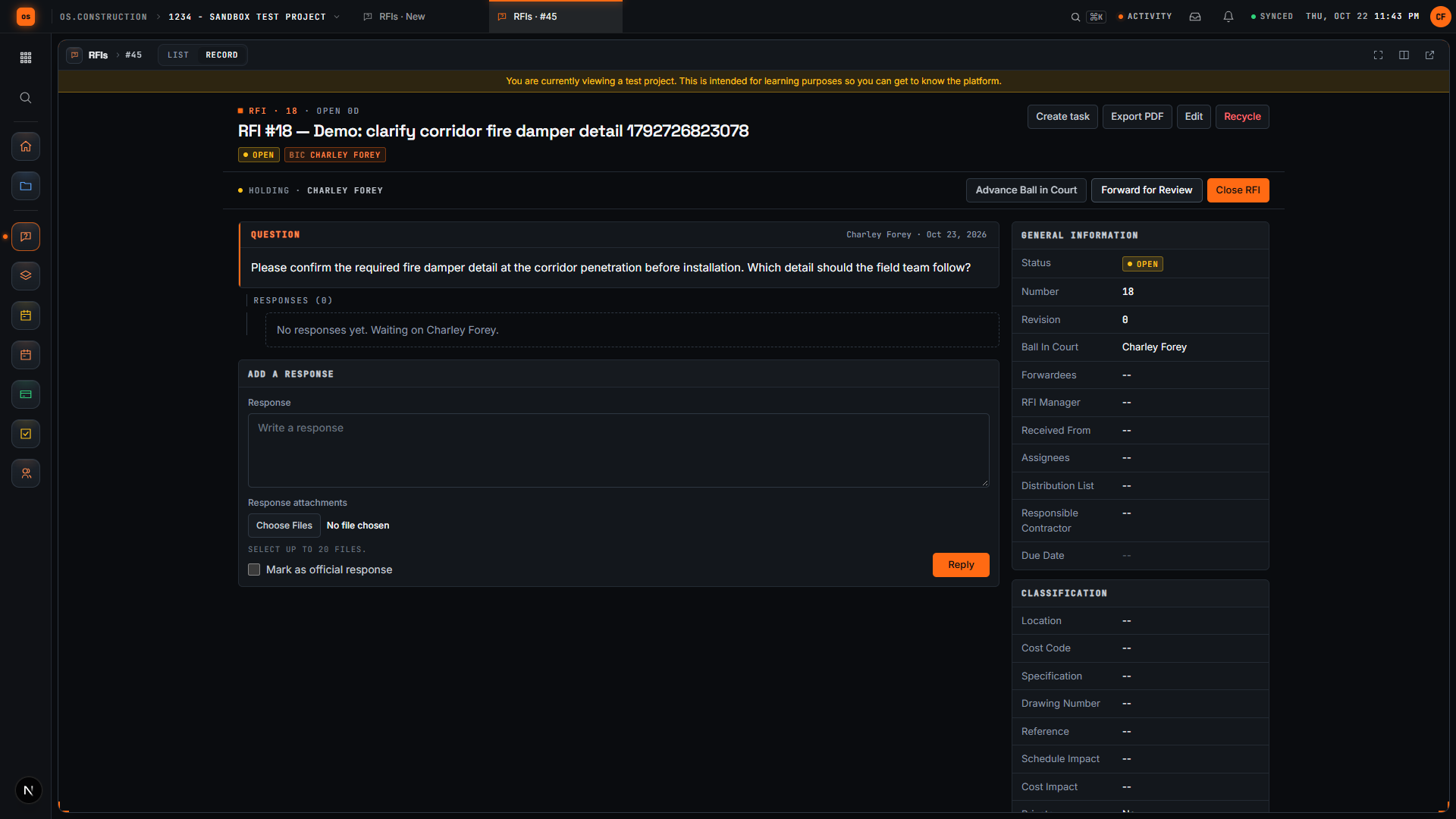
Create a draft RFI and open it
Write a clear question, save the RFI as a draft, review the record and confirm it actually opened.
 Coming soon
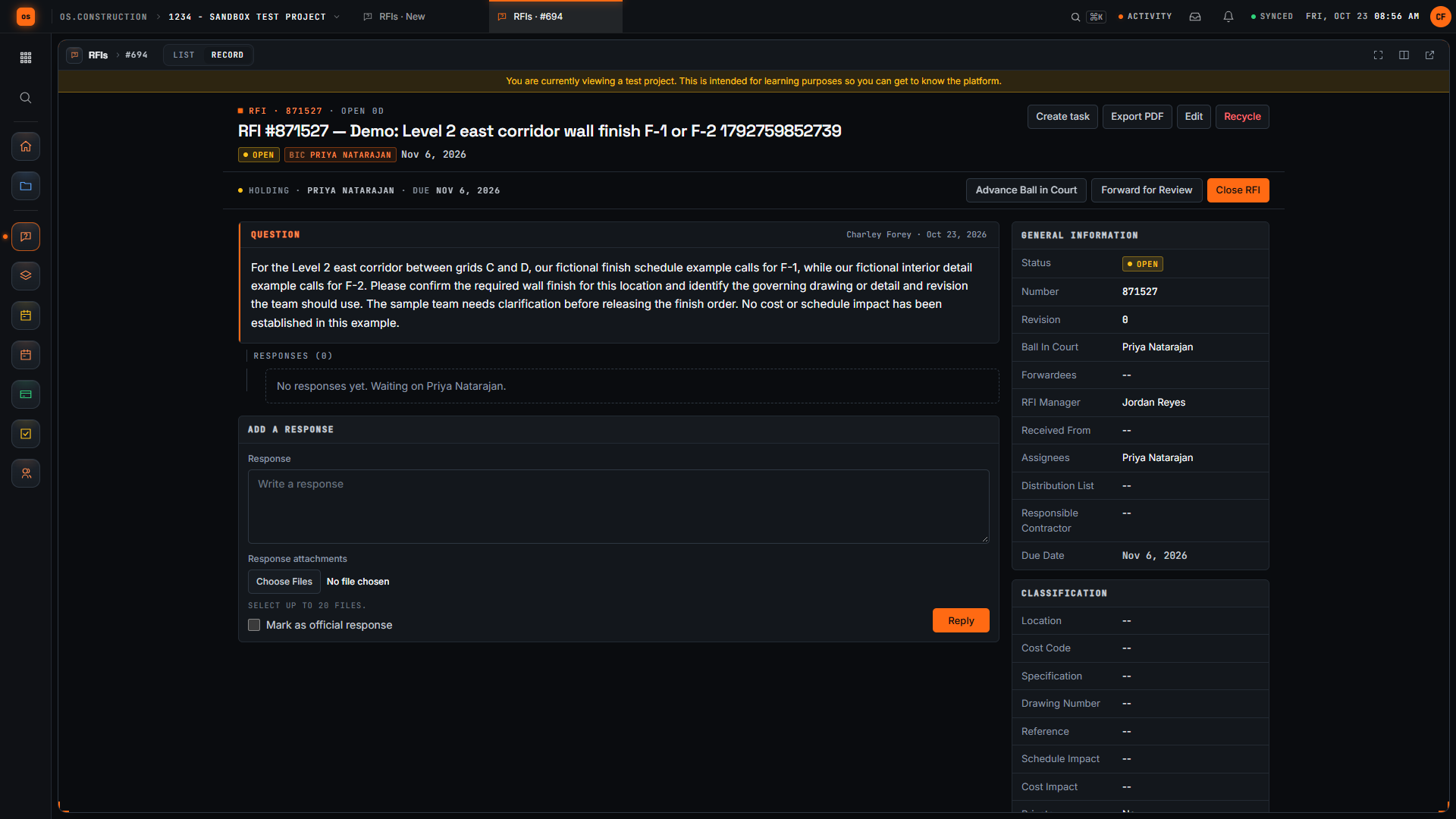
Open an RFI and check the first response
Turn a vague field question into a precise RFI, open it, and check the official response and who has the ball in court.
- Coming soon
Track a submittal through review
Log a submittal, route it for review and see where it stands without chasing email.
Field: daily logs & tasks
Capture what happened on site and keep follow-ups moving.
 2:18
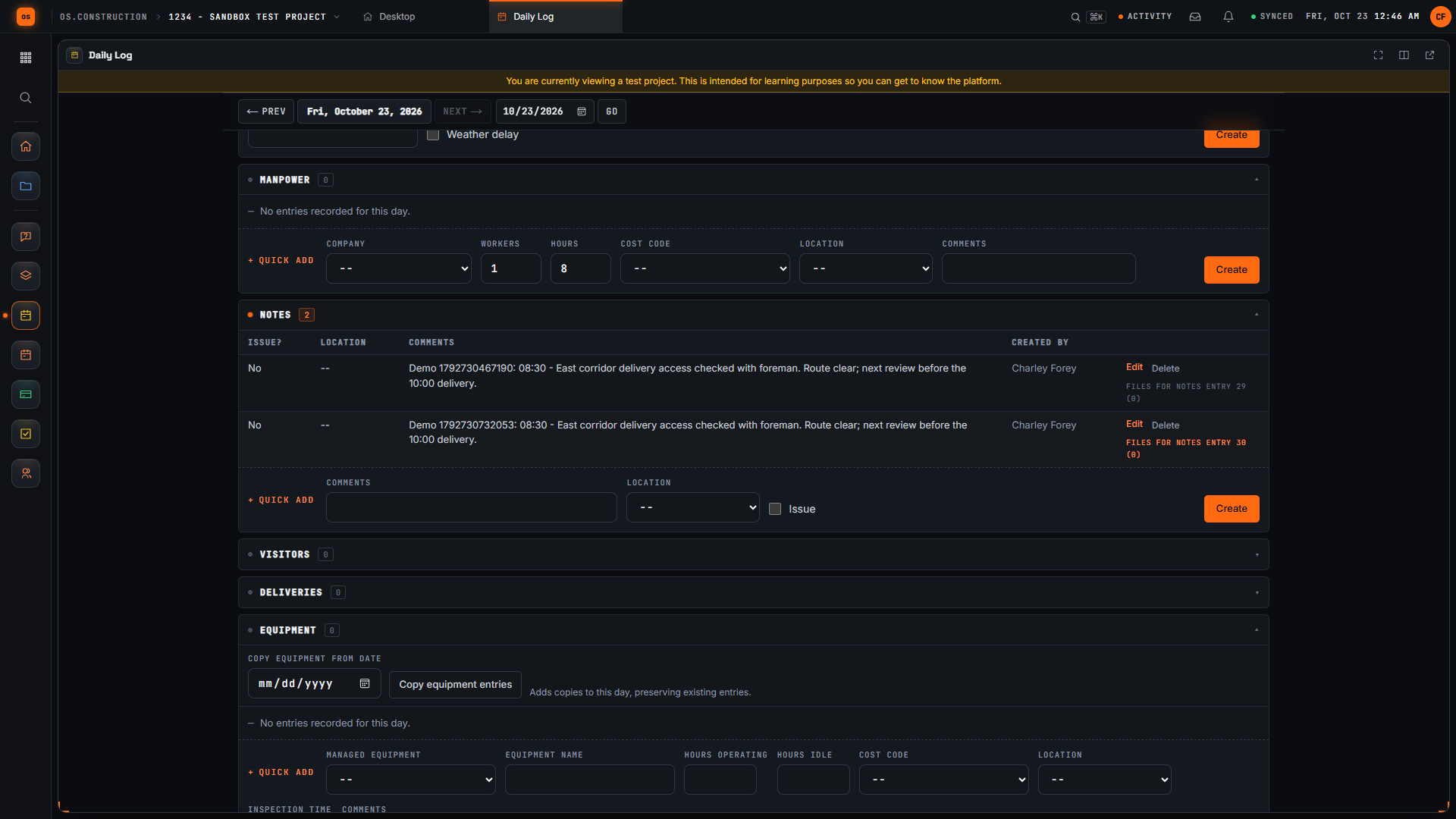
Add a note to the daily log
Record a field observation in the daily log and confirm it saved to the right day.
 2:33
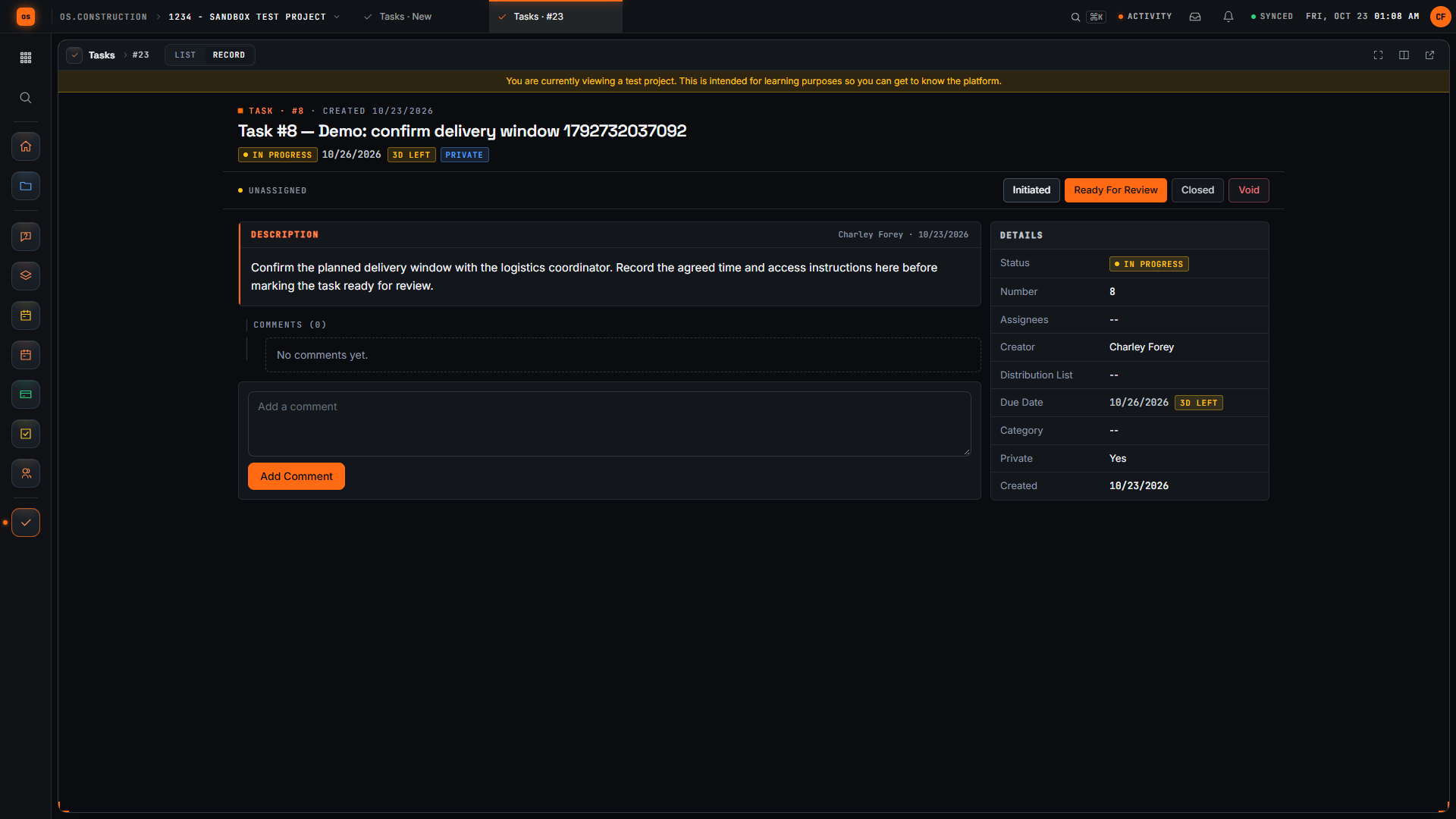
Create a task and post a progress update
Create a task with a clear ask, move it to In Progress and leave an update the whole team can see.
- Coming soon
Create a punch item with an owner and location
Log a punch item with a location, an assigned trade and a final approver, then follow it to closed.
- Coming soon
Run an inspection checklist
Build a checklist template, answer each item pass, fail or N/A, follow up failures and sign the inspection.
- Coming soon
Log a safety observation with a clear next step
Record a safety observation with its type, priority and corrective action, then check the saved record.
 1:49
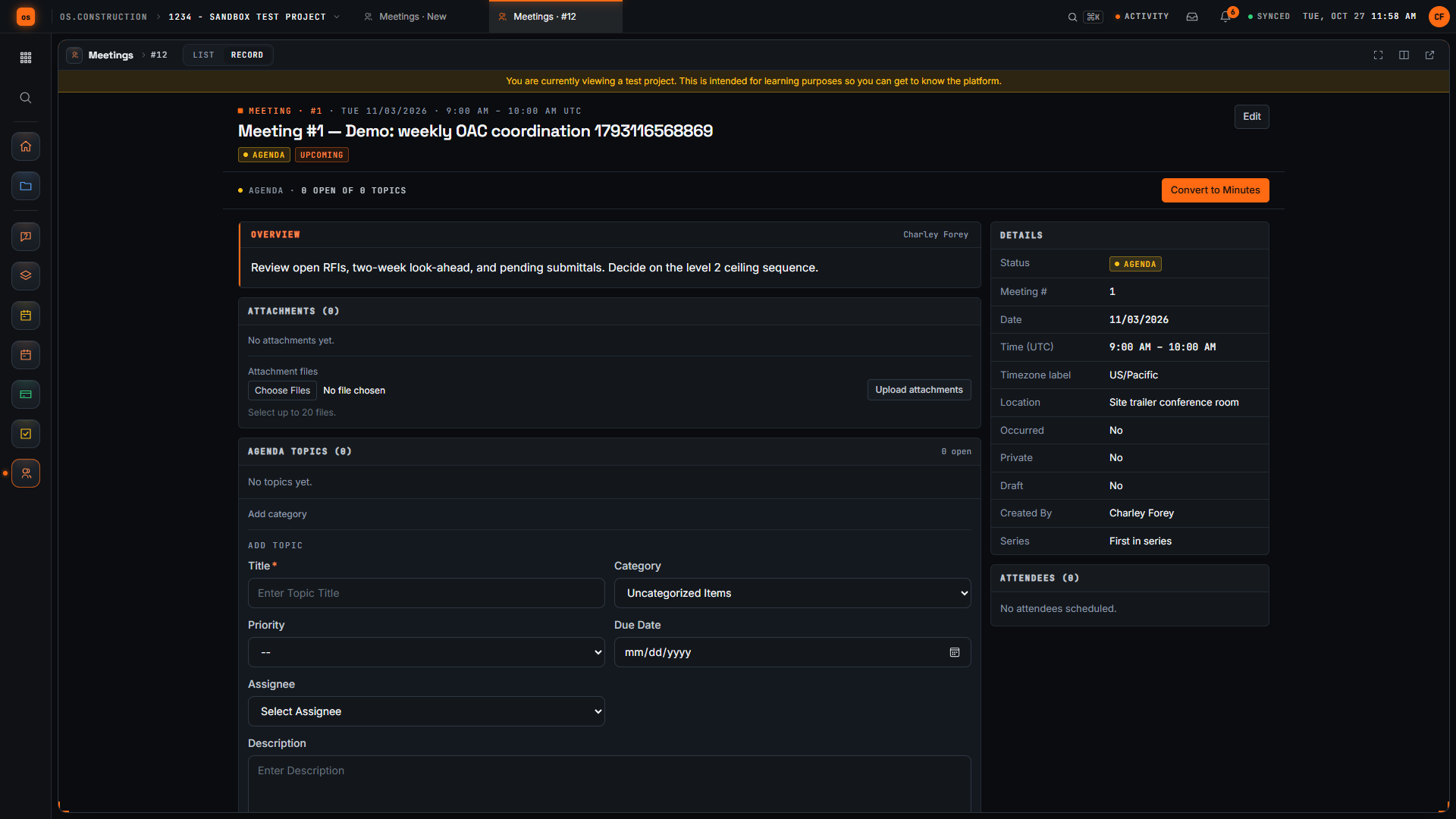
Schedule a project meeting with a clear agenda
Create a project meeting with a title, location and overview, then check the saved meeting record the team will work from.
Cost & accounting
Budgets, commitments and change orders on the same record as the field work.
 2:50
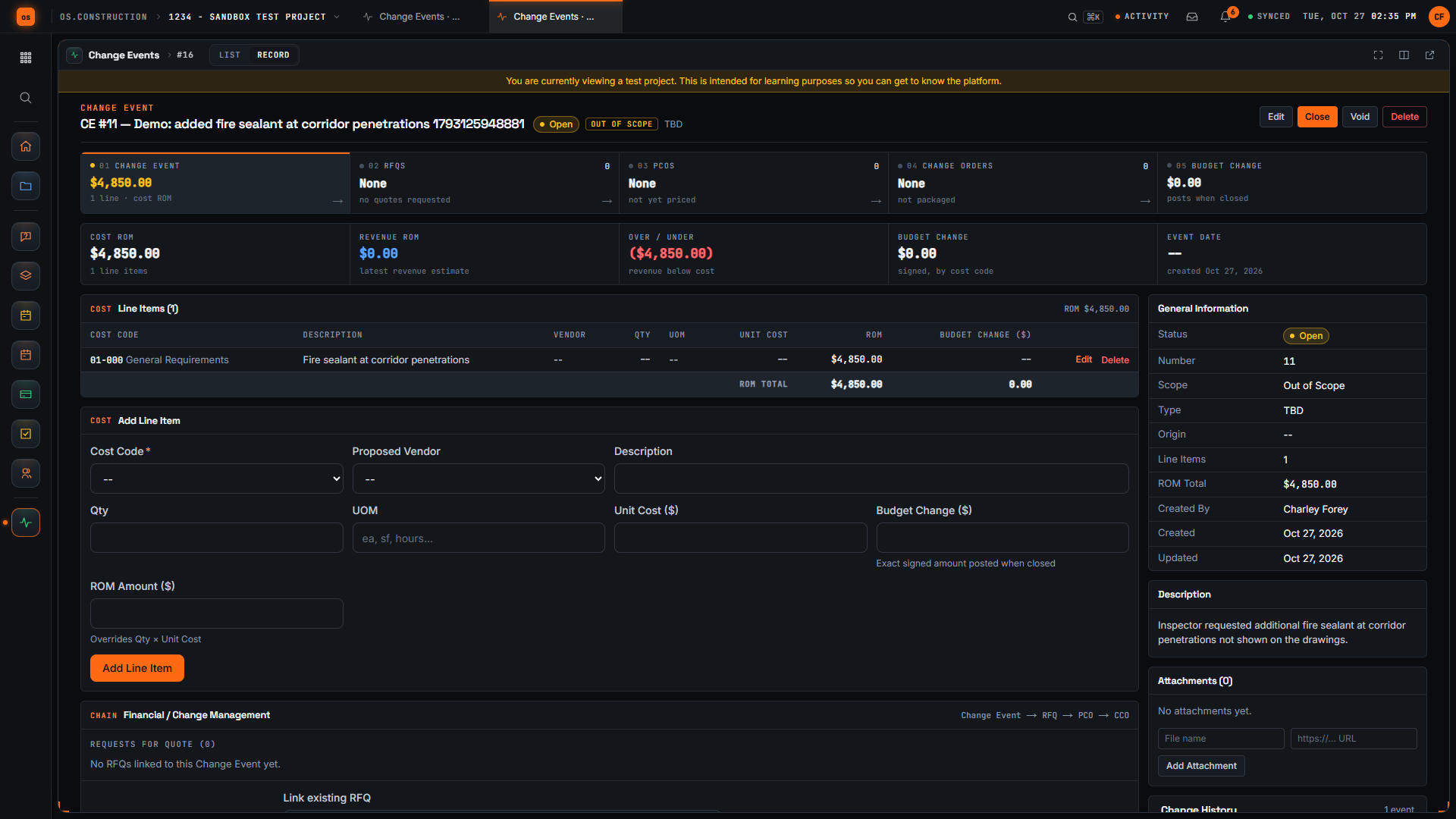
Log a potential change as a change event
Capture a possible cost change as a change event, mark its scope, add a rough line item, and check the saved record before pricing moves forward.
- Coming soon
Record a T&M ticket in the field
Write labor, equipment and material lines with cost codes, submit with the signer and review to approved.
- Coming soonPreview feature
Read a project budget
How the budget rolls up cost codes, commitments and changes into a forecast you can check.
- Coming soonPreview feature
Commitments and sub invoices
Set up a subcontract commitment and match a sub invoice against it.
CRM
Track pursuits from first contact to awarded job.
- Coming soonPreview feature
Track a pursuit in the construction CRM
Add a lead, move it through your pipeline and hand an awarded job to the project team.
Analytics
Dashboards, WIP and reports built from the live project record.
- Coming soonPreview feature
Dashboards, earned value and WIP
Read the live project dashboards and the WIP view built from the same records your team already keeps.
- Coming soonPreview feature
Build a report in Analytics
Ask a question of your project data and save the answer as a report your team can reuse.
AI agents
Agents that prepare the work and wait for your approval.
- Coming soonPlanned feature
How agents prepare work for approval
What an agent does, what it never does without you, and where its proposals wait for review.
Every video uses sample data, not customer records. Narration may be AI-generated and is labeled on YouTube. Features marked Preview are partly in the app today; Planned features are not built yet, so their videos come once they ship.
Watching is the easy part. Run a workflow on the sample project, or read the docs.