Schedule a project meeting with a clear agenda
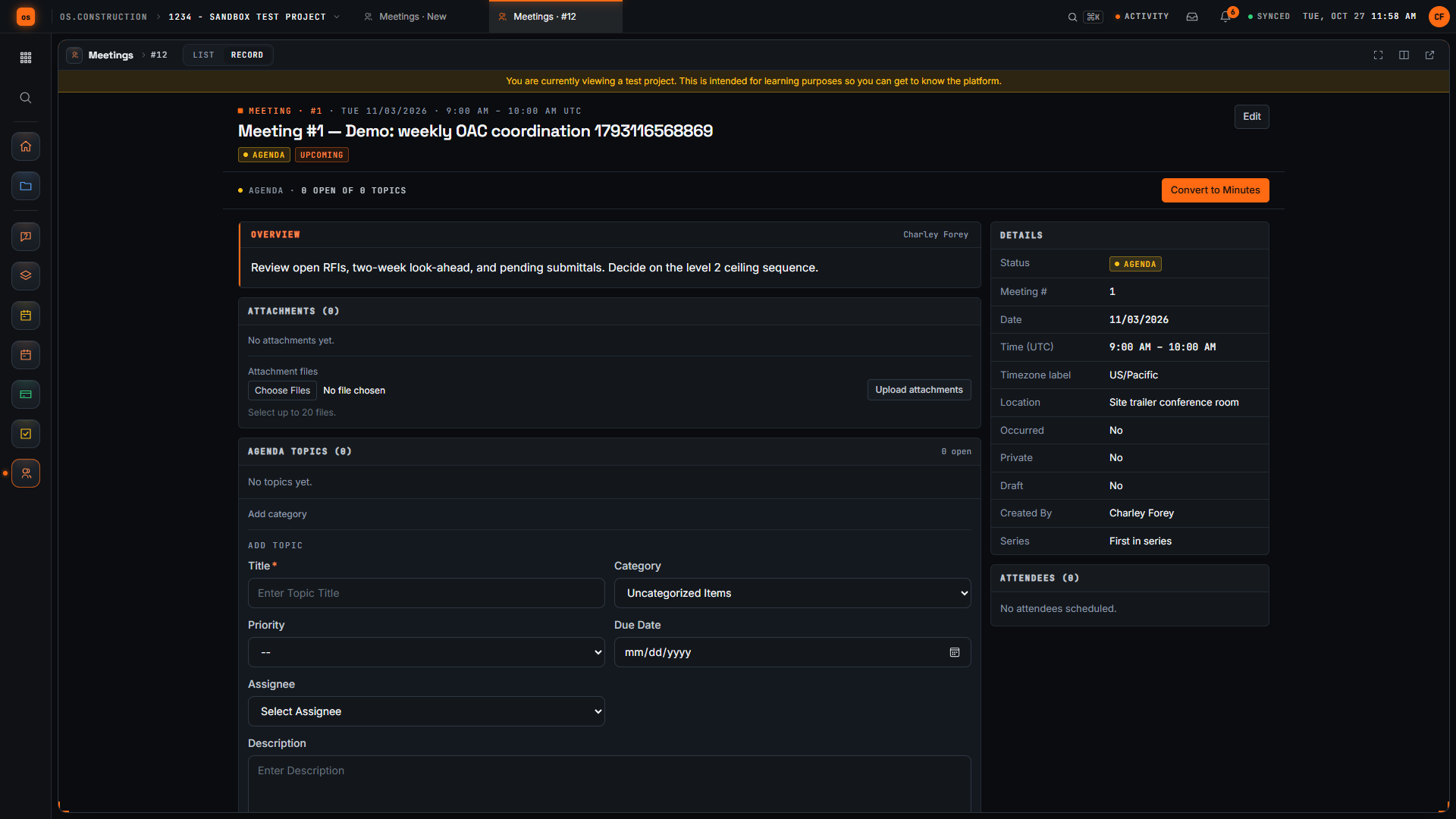
Create a project meeting with a title, location and overview, then check the saved meeting record the team will work from.
Each step in a few seconds
Short silent loops cut from the walkthrough. Scroll sideways for every step.
Step 1Open Create Meeting · sample data, no sound 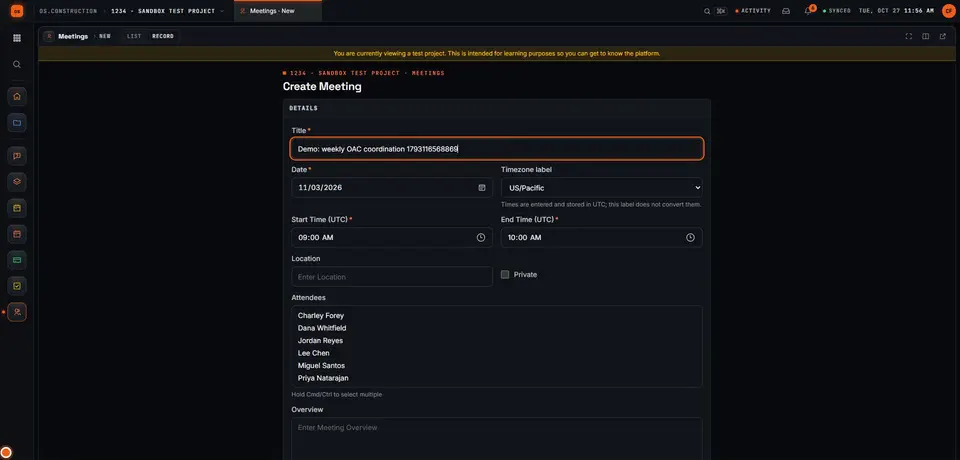
Step 2Give the meeting a clear title · sample data, no sound 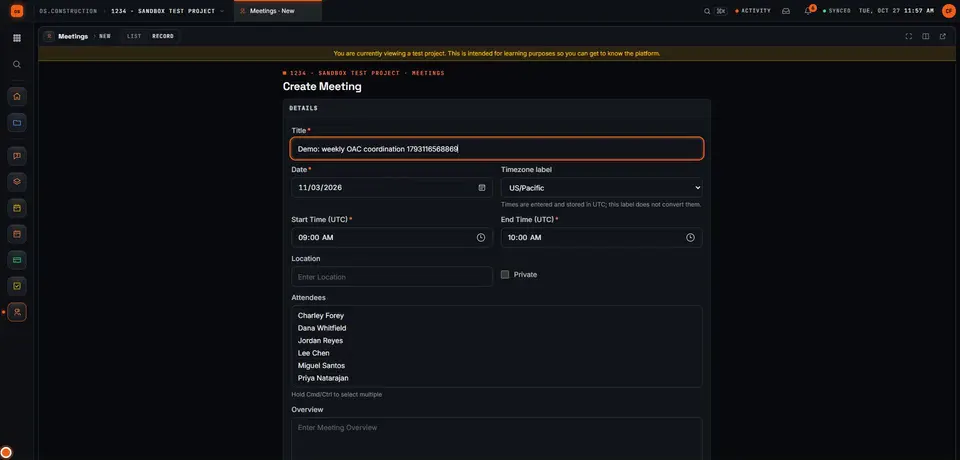
Step 3Check the date and time · sample data, no sound 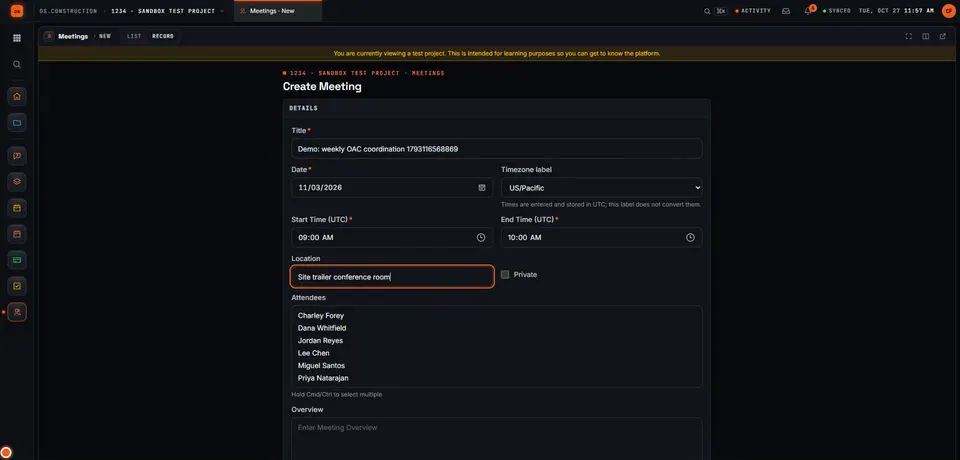
Step 4Add the location · sample data, no sound 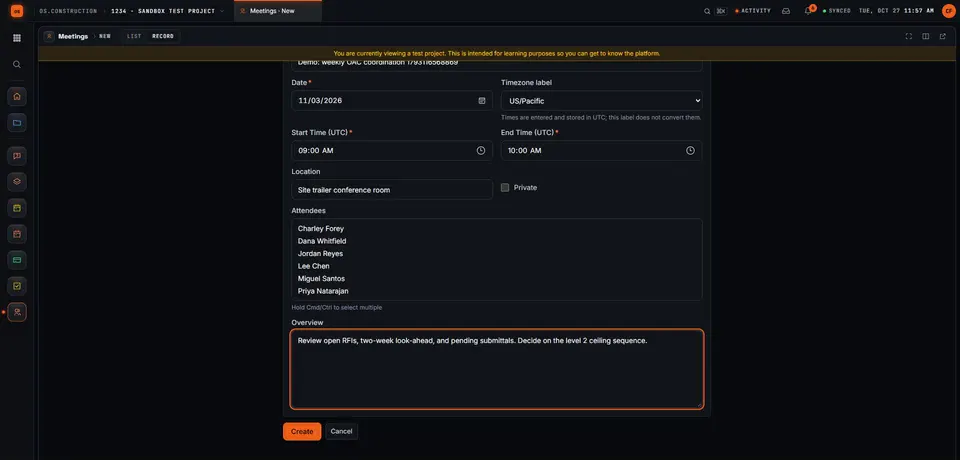
Step 5Write the overview · sample data, no sound 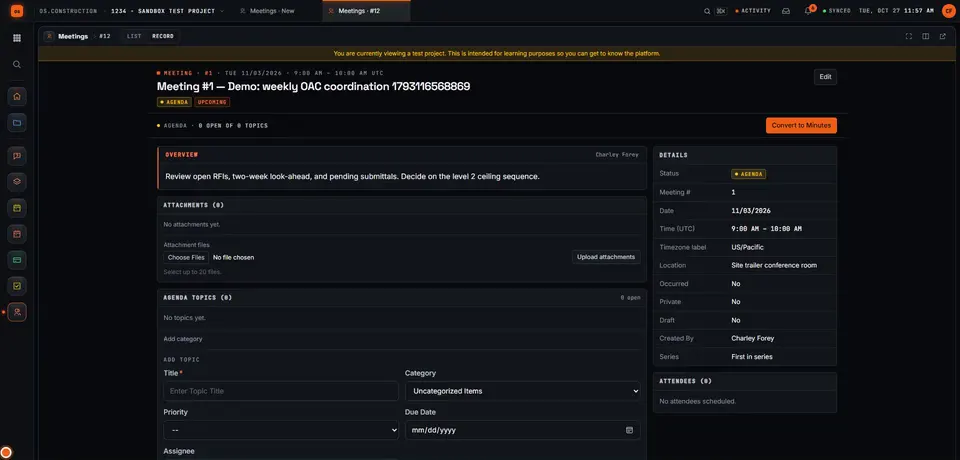
Step 6Create the meeting · sample data, no sound 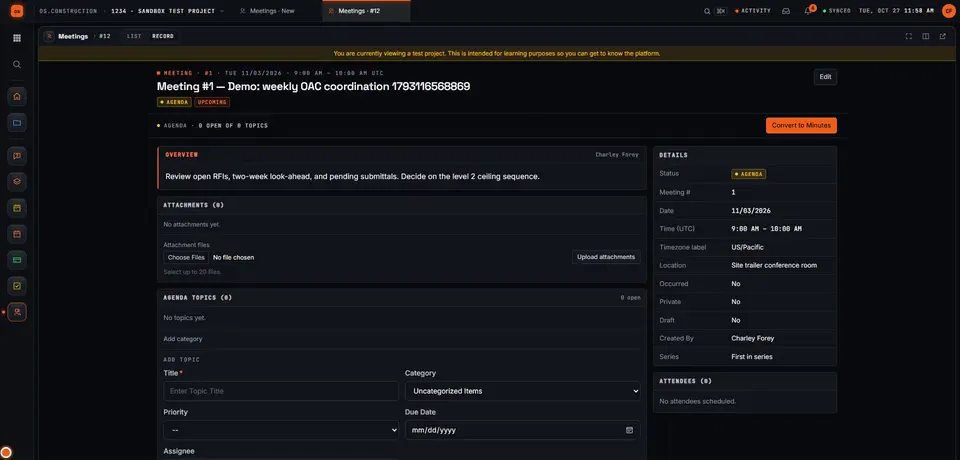
Step 7Review the saved meeting · sample data, no sound
Chapters
- 0:00 Open Create Meeting
- 0:19 Give the meeting a clear title
- 0:35 Check the date and time
- 0:54 Add the location
- 1:10 Write the overview
- 1:27 Create the meeting
- 1:38 Review the saved meeting
Video transcript
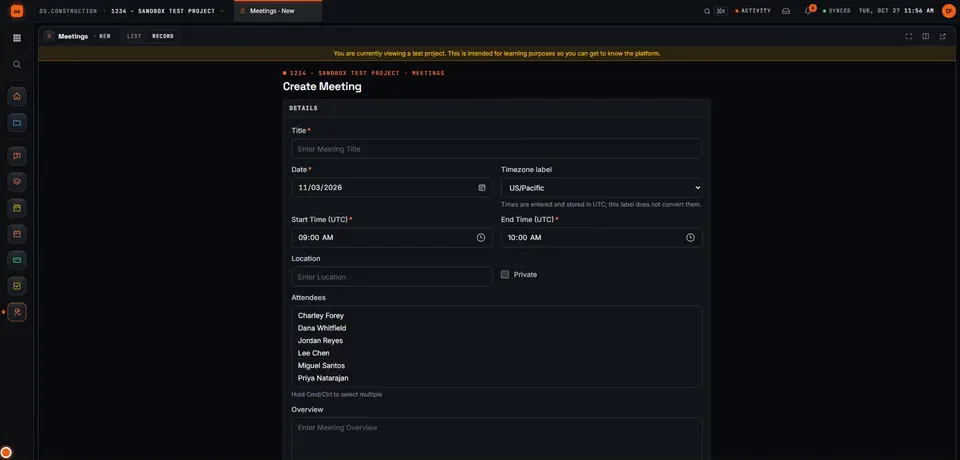
Here's the Create Meeting page in our local sample project. A good meeting record tells everyone what we're meeting about, where, and what we want to decide. Let's set one up together.
We start with a title people will recognize in a list. Ours is the weekly owner, architect and contractor coordination meeting. The demo adds a unique reference so each recording creates a separate sample record.
Next, let's check the date and time. The form suggests a date, a time zone, and a start and end time. We keep the suggested values in this sample; set them to match your real meeting.
Now we add where the meeting happens. For this sample it's the site trailer conference room.
In Overview, we write the agenda and the decision we need. Our sample covers open RFIs, the two-week look-ahead, pending submittals, and one decision on the level 2 ceiling sequence.
Then we select Create. The app saves the meeting and opens its record, with the meeting number and our title in the header.
Here's our saved meeting. Let's check that the location and agenda came through. We've created a meeting with a clear title, a place, and an overview the team can prepare for.
Your next step
Try it on the sample project.
Create an account, open the sample project and run this workflow yourself with sample data.
Try it in the app- Next · Cost & accountingLog a potential change as a change eventWatch the next walkthrough
- DocsMeetings: agendas, minutes and action itemsPlan a project meeting, set up a recurring series, record attendance and minutes by topic, carry open items forward, and turn topics into tasks.
- Video libraryMore in Field: daily logs & tasksEvery walkthrough, grouped by workflow.