Role guide · Subcontractor project manager
The subcontractor PM’s week, on both sides of the contract.
You answer to the GC and run your own job. Here is how a sub PM works in os.construction, on the GC’s project and in your own workspace, and what stops getting re-keyed between them.
A subcontractor project manager’s week in os.construction
- Monday
Coordination meeting: your topics, with due dates, linked to the RFI or submittal they are about.
Meetings (GC project) - Tuesday
Submittals: respond in your workflow step. A Revise and Resubmit return gets a new revision with its own workflow.
Submittals (GC project) - Wednesday
Extra work in the field: the T&M ticket written the same day, with lines and cost codes, as backup for your change.
T&M Tickets (your workspace) - Thursday
Punch: work your items and resolve your own line on each; the GC reviews and closes.
Punch List (GC project) - Friday
Month-end weeks: bill the GC. Your contract with the GC is the prime contract on your project; executed change orders are on line 2.
Payment Applications (your workspace)
- Directed extra workOwner or GC in the field
- T&M ticketSame day, lines and signer
- Change pricedChange event and PCO on your contract
- Change order executedAgreed with the GC
- Billed to the GCOn your next pay app
Text version
- Directed extra work: Owner or GC in the field
- T&M ticket: Same day, lines and signer
- Change priced: Change event and PCO on your contract
- Change order executed: Agreed with the GC
- Billed to the GC: On your next pay app
The tools in your seat
- SubmittalsOrdered approval workflow steps, responses, revisions and Close & Distribute.Read the guide →
- RFIsRaise questions to the GC with a specific ask, and follow ball in court.Read the guide →
- Punch ListSee your items; Resolve and Return on your own line while it is in work.Read the guide →
- T&M TicketsDaily extra-work records with labor, equipment and material lines and a signer.Read the guide →
- Change OrdersChange events and PCOs on your own project, priced against your contract.Read the guide →
- Payment ApplicationsG702/G703-style pay apps with separate work and materials retainage.Read the guide →
Getting in: On the GC’s project, the GC invites you with the Subcontractor template (Standard on RFIs, Submittals and Punch List, Read Only elsewhere, usually with financial tools set to None). For your own jobs, start a trial and run your side in your own workspace. Neither requires the other.
Entered once, used everywhere it matters
One answer for the GC and your crew
On the GC’s project you respond to submittals, RFIs and punch where the GC tracks them, instead of in email that someone retypes.
Extra work is written before it is forgotten
A same-day T&M ticket with lines and cost codes becomes the backup when you price the change.
Approved changes land on your bill
Executed change orders on your contract are added to your pay app’s line 2 automatically.
Retainage is calculated per line
Work and materials retainage can differ, and the G702 totals them for every pay app.
Project Financials follows project money; company Accounting covers the ledger, AP, AR, payroll and controls. AI agents remain planned; preview tools are marked above.
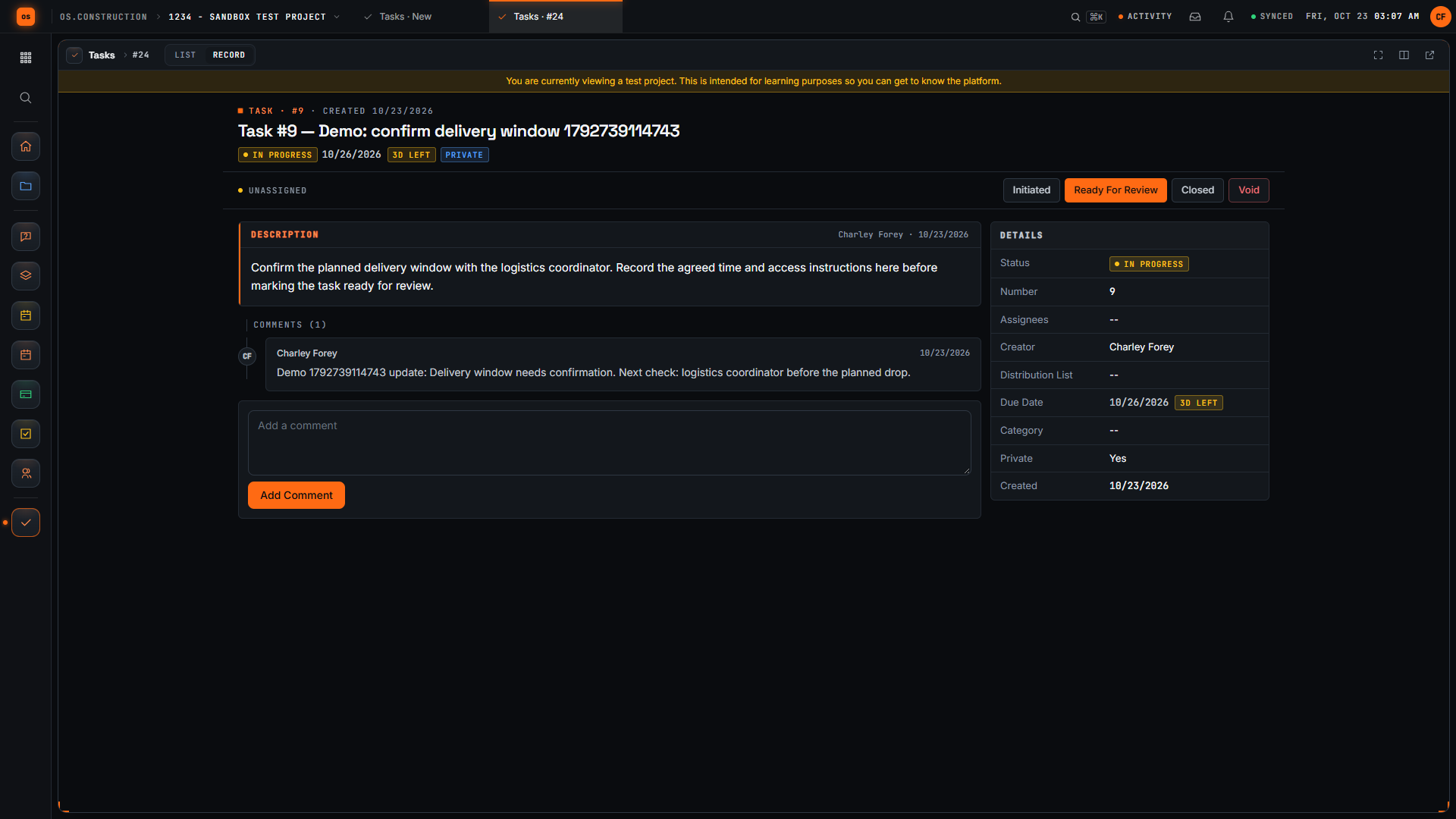
Walkthroughs and screens from the app
Templates, calculators and lessons for this role
Calculators
Straight answers for a subcontractor project manager
Does my GC have to use os.construction?
No. You can run your own jobs in your own workspace. If your GC does use it, you can also work on their project with the access they give you.
Can I see the GC’s budget?
Only if their permission template allows it; the Subcontractor starting template is Read Only outside RFIs, Submittals and Punch List, and GCs usually set financial tools to None.
Does a T&M ticket turn into a change order automatically?
No. Tickets don’t link to change events or change orders today; use the approved ticket as backup when you create the change.
Will it track my lien deadlines?
Not today. Lien deadline reminders are planned; any date it shows will be a reminder to confirm with counsel.
Try the week on the sample project
Every trial includes Riverside Medical Center #24-118, with the records this page talks about. 14-day free trial. Pricing for paid plans isn't set yet.