Back charges explained: notice, cure and evidence
What a back charge is, the notice and cure steps, the five pieces of evidence that make one stick, and an illustrative $3,850 back charge applied.
Diagrams from this explainer
Chapters
- 0:00 What a back charge is
- 0:17 Who charges whom
- 0:36 Notice and cure
- 1:00 Five pieces of evidence
- 1:20 An illustrative back charge
- 1:40 Applying the deduction
- 2:00 Why back charges fail
- 2:25 Back charges in os.construction
Video transcript
A back charge is a cost a general contractor deducts from what it owes a subcontractor or supplier. It recovers money the GC spent because of them: repairing damage they caused, fixing defective work, cleanup they skipped, or finishing work after they failed to perform.
Back charges run downhill. An owner can make a similar deduction from the prime contractor, the GC can back charge its subs, and a sub can back charge its own sub-subcontractors and suppliers. In every case the right comes from the contract, so the subcontract clause is the starting point.
Most subcontracts require written notice and a chance to cure before the GC can fix the problem and charge for it. The notice cites the clause, says what happened and where, attaches photos, and sets the cure period. If the sub fixes it, there's no back charge, which is the outcome everyone should want. Emergencies that threaten safety can be handled first, with notice right after.
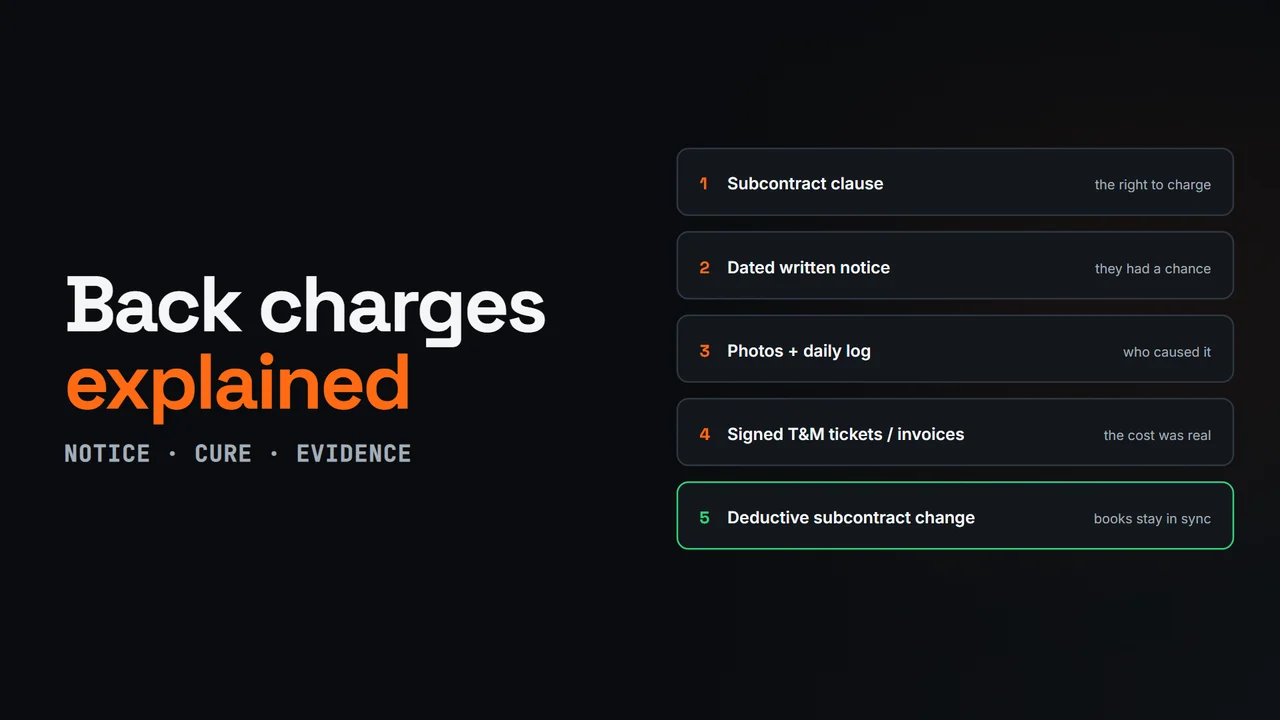
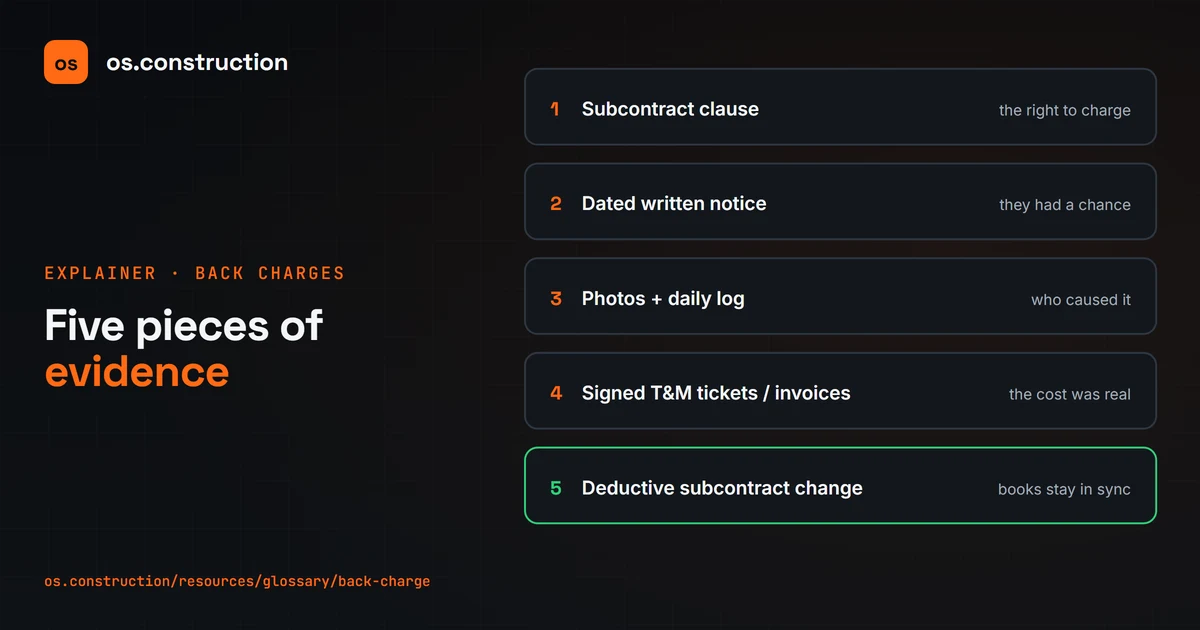
If it isn't cured, the GC corrects the work and documents the cost. A back charge holds up with five pieces of evidence: the subcontract clause, a dated written notice, photos and the daily log showing who was working there, signed time and materials tickets or invoices, and a deductive subcontract change.
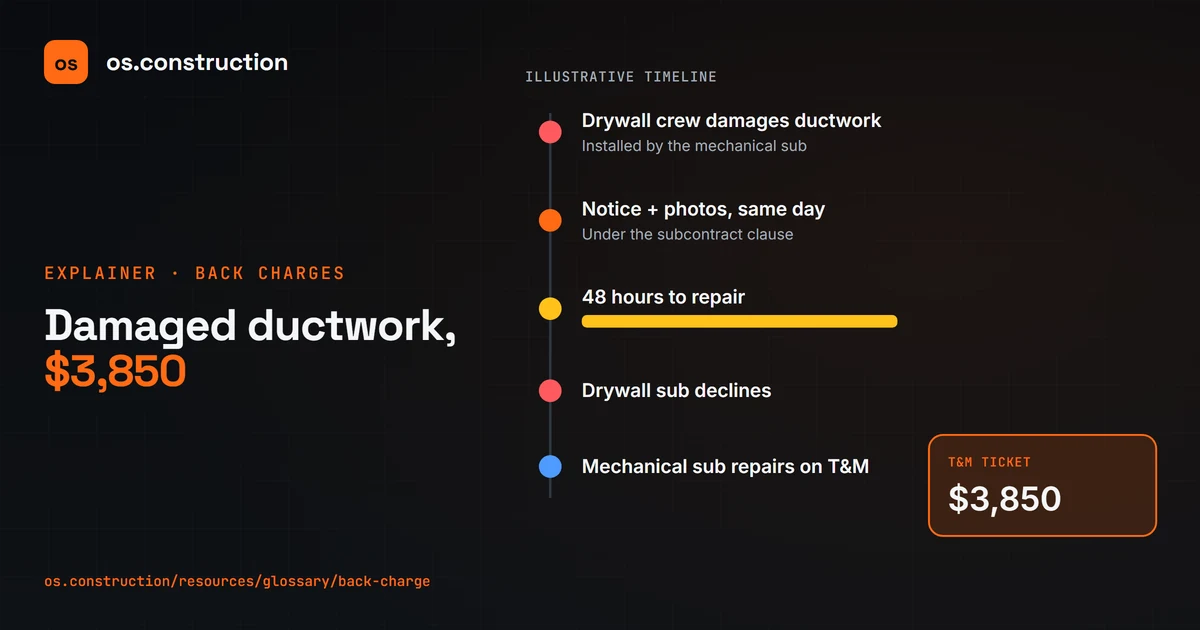
Here's an illustrative example. A drywall crew damages installed ductwork. The GC sends notice the same day with photos, giving forty-eight hours to repair under the subcontract. The drywall sub declines, so the mechanical sub repairs it on a time and materials ticket for three thousand eight hundred fifty dollars.
The GC issues a three thousand eight hundred fifty dollar back charge that references the notice, the ticket and the daily log. It enters a deductive change to the drywall subcontract, so the commitment and retainage stay correct, and deducts it from the sub's next pay app. An unexplained short payment invites a dispute.
Back charges are among the most disputed items in construction. They fall apart when they're issued months later without notice, when there's no backup, when markups exceed what the subcontract allows, or when several trades were in the area and nobody can show who did it. Prompt payment laws in many states also limit withholding. Rules vary by state and contract; this is general information, not legal advice.
In os.construction, the daily log and photos record what happened, time and materials tickets capture the repair labor, equipment and material with a sign-off, and the back charge is entered as a commitment change order on the sub's commitment, so the revised commitment and the next invoice line up.
Your next step
See it on one project record.
Create an account and open the sample project to see contracts, costs, changes and billing on the same record.
Try it in the app