The Drawing Changed. Did the Field Copy?
Check sheet number and revision together, compare the changed area and replace superseded field copies through your document process.
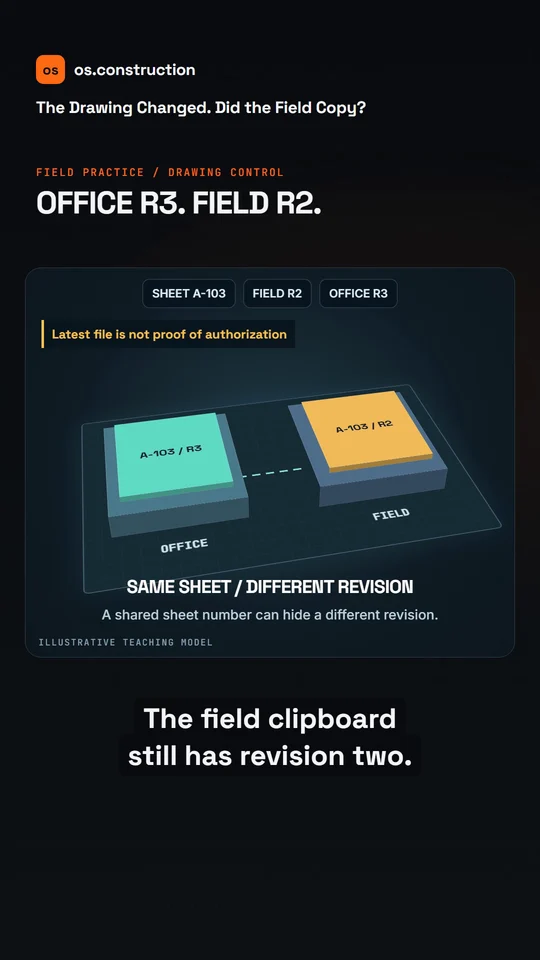
An animated teaching example with AI narration. The illustrations explain the process; they are not a recording of the app.
Video transcript
The office has revision three. The field clipboard still has revision two. Both say the same sheet number.
Before the next task, confirm the applicable authorized revision, then check the sheet number and revision together.
In this example, compare the revised doorway area with the prior sheet. Identify what changed, which location is affected, and who needs the update.
Mark the old field copy as superseded and replace the working copy through your project's document process.
Keep the older revision in the history; do not erase the trail. A file upload is only the start of the handoff. Find the drawings guide at os dot construction.
Your next step
See it on one project record.
Explore the written guide, then open the sample project to see how construction records connect.
Try it in the app